Reset catalog
Reset catalog
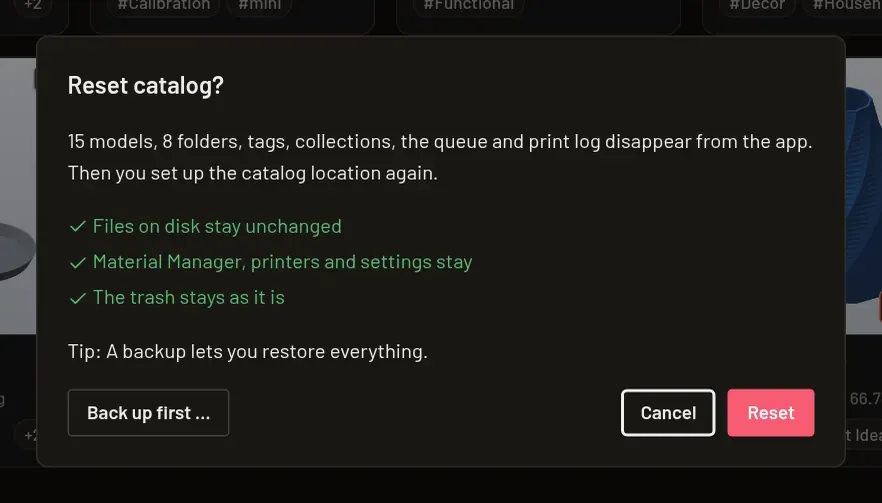
Section titled “Reset catalog”Under Settings → Catalog, Reset catalog opens a confirmation with the number of models outside the trash and the total number of catalog folders. Reset clears those models and folders, all tags and collections, and the removed models’ metadata, queue entries and print log. Files and folders on disk stay unchanged.
Trash entries remain, but lose their folder, tag and collection assignments. Material Manager, printers and their connections, printer jobs, slicers and other settings are kept. Printer jobs lose their links to catalog models, including models in the trash.
Use Back up first … to export a catalog backup before resetting; ✓ Backed up confirms success. The backup is optional. After resetting, the setup dialog opens again so you can set up the catalog location anew.