
Print log & trash
Print log
Section titled “Print log”In addition to the simple printed/not-printed status, you can keep a log of multiple print attempts per model (date, a note, optionally a photo) — useful if you print the same model repeatedly and want to keep track of which attempt worked and when.
The trash
Section titled “The trash”Deleted models aren’t removed immediately — they move to the trash for 7 days and can be restored during that time:
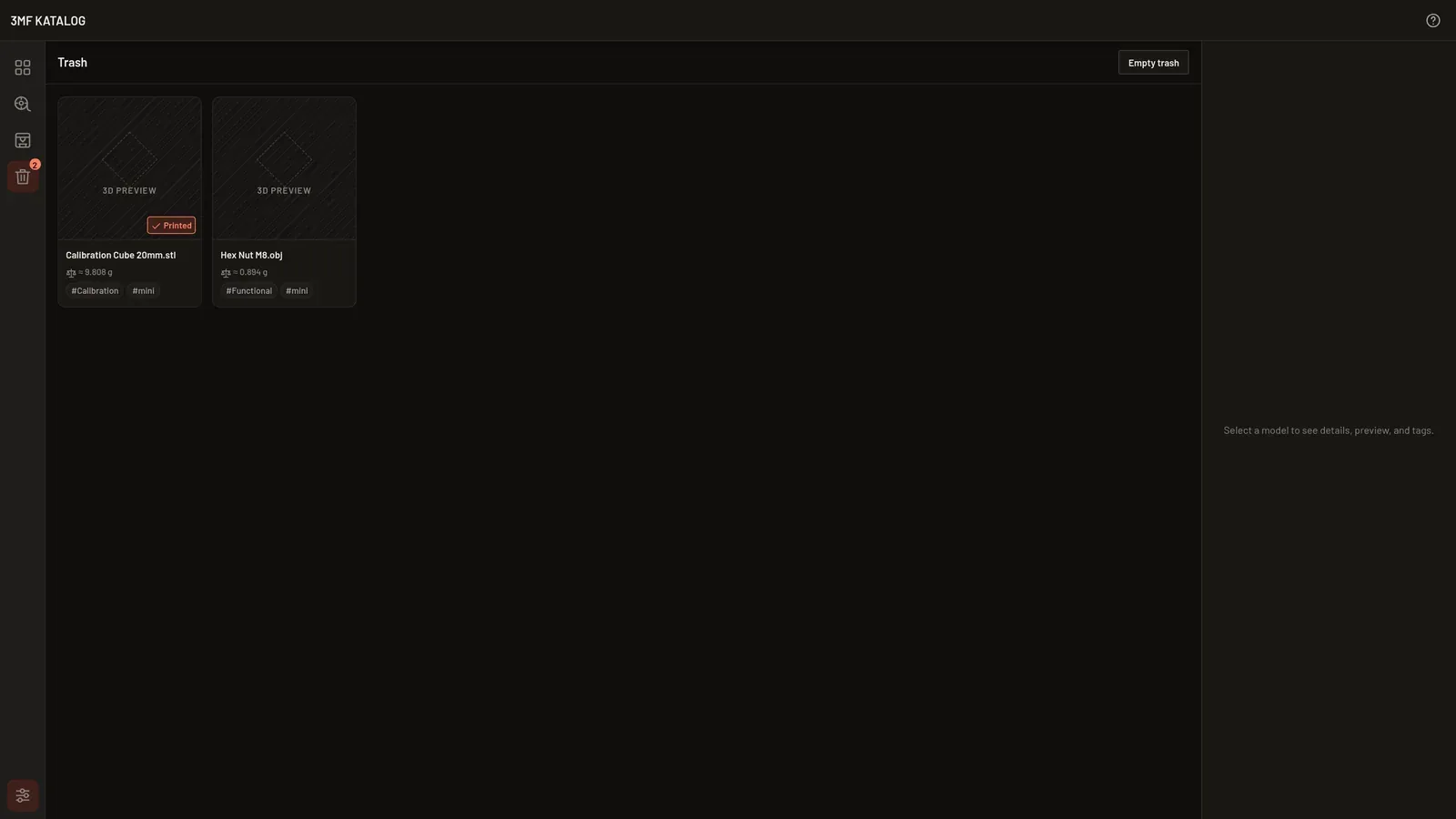
“Empty trash” top right removes everything it contains immediately and permanently.