Docker: overview
From 0.16.0, you can run 3MF Katalog Manager on a NAS, home server or VM with Docker. The app is running on the server. Access it from devices on your home network using a browser.
Two interfaces
Section titled “Two interfaces”- Open the server address in your browser and sign in.
- The browser shows a Linux desktop (streamed with Selkies) running the app. Set up the catalog, import models and edit the catalog there.
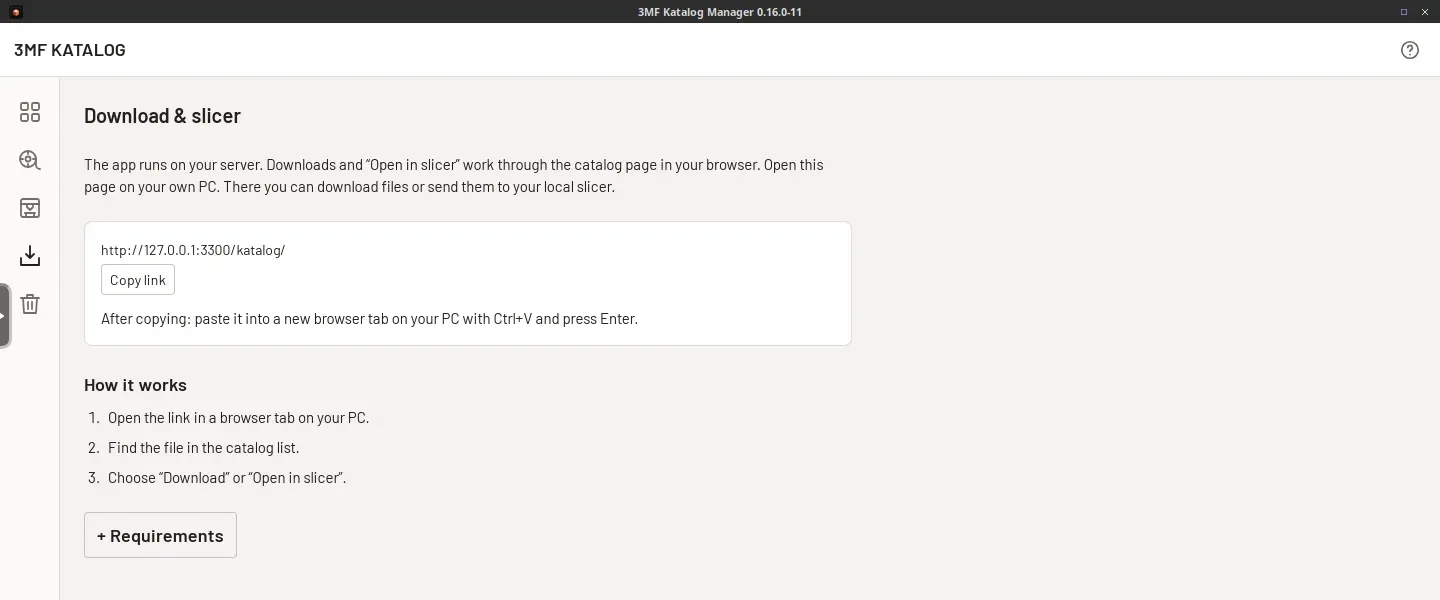
- Open
/katalog/alongside it. This companion page reads the catalog and provides search, downloads, slicer links and uploads. Import uploaded files in the app afterwards.
Access passes through nginx with login protection to the desktop or companion page. The companion does not change the catalog database. You use a shared desktop and catalog; do not plan separate workspaces for people working simultaneously.
Requirements and storage
Section titled “Requirements and storage”- Docker with Docker Compose on an x86_64/amd64 system. An arm64 image is not provided for this setup.
- A browser on the accessing device and a reachable server address.
- A local, writable folder for
/config: the database, settings and other app data. - Storage for models under
/models, additional model folders and backups. Model folders may be on a NAS share. - Compose sets
shm_size: "1gb"for shared memory of the container. How much RAM you need overall depends on your catalog and models. - Uploads require more than 256 MiB of free space in addition to the file size.
Differences from a desktop installation
Section titled “Differences from a desktop installation”The app cannot start a slicer or file manager on your own computer. Use the companion page for local slicers. External links in the container are offered for copying. Updates use Docker images.
Drop files onto the companion page’s upload area, not from your computer’s desktop into the streamed app window. The 3D preview uses software rendering. It can be slower with large models. Clipboard, keyboard and file dialogs may behave differently from a local installation.
You can open the catalog page from another device. This accesses the same server; it does not synchronize separate local catalogs. A slicer link requires a suitable slicer installed on the accessing device.